To add a user to Patient360, follow the instructions below:
Login to Patient360: https://app.patient360.com/users/sign-in
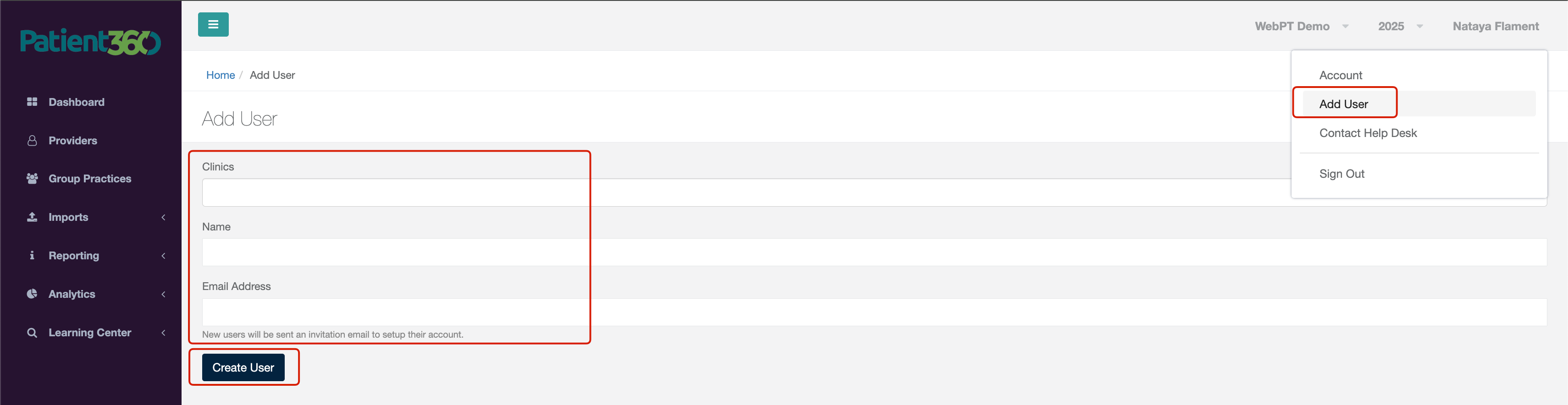
Click on your name in the top right corner --> "Add User"
Choose the appropriate clinic, enter the first and last name of the user, enter a valid email address for the user --> Create User