Starting with the performance period 2024, ACOs have three collection type options - eCQM, MIPS CQM, and Medicare CQM. The Medicare CQM option is available to ACOs for measures 1, 112, 134, and 236. It is registry-based, and requires that the submission ONLY include Medicare beneficiaries in the eligible population.
CMS provides each ACO with a quarterly roster (Quarterly List of Beneficiaries Eligible for Medicare CQMs) which can be found in the Quarterly Expenditure & Utilization package (QEXPU) with the naming convention P.AXXXX.ACO.MCQM.YYYQX. The fourth quarter roster represents the final roster for the perforThis roster is a list of the Medicare beneficiaries assigned to the ACO and should be used to reduce the eligible population.
TABLE OF CONTENTS
Patient Roster
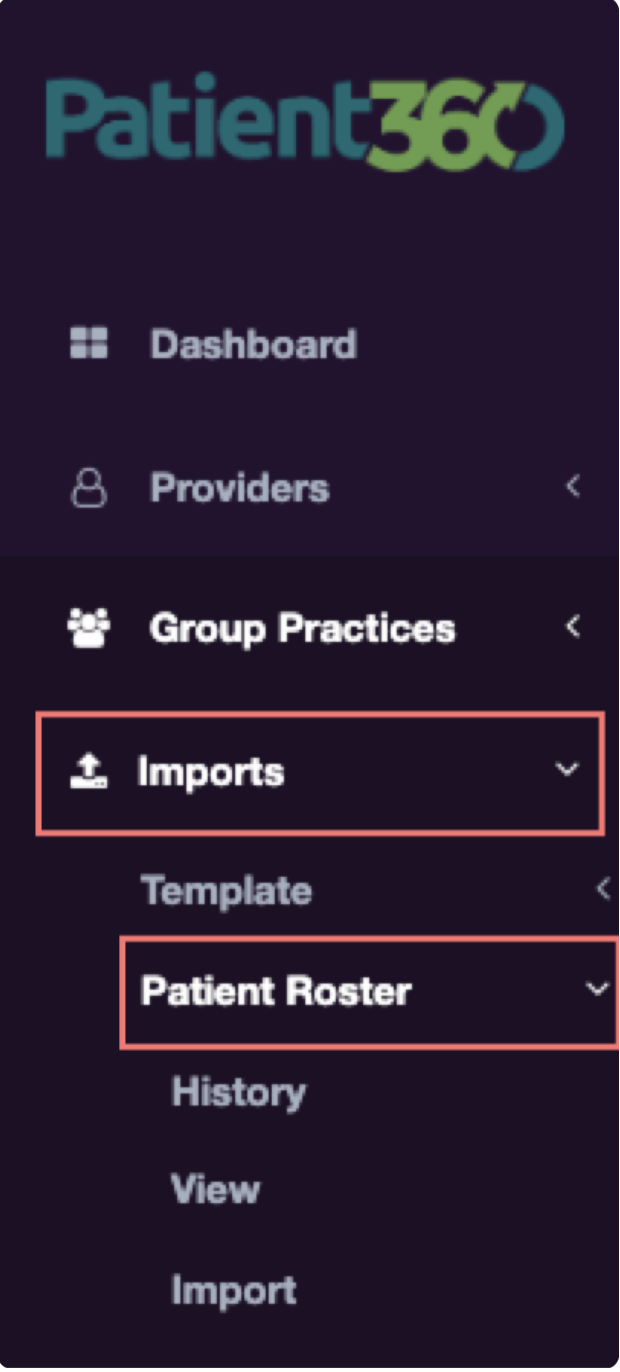
Patient360 provides support for Patient Rosters in the portal for ACO clinics. Patient Rosters can be imported, viewed, or reviewed using the Imports->Patient Roster menu option as shown below.
History
Displays a list of the Patient Roster files that have been uploaded to the portal for the ACO with the option to download each file. See example below.

View
Entries Tab
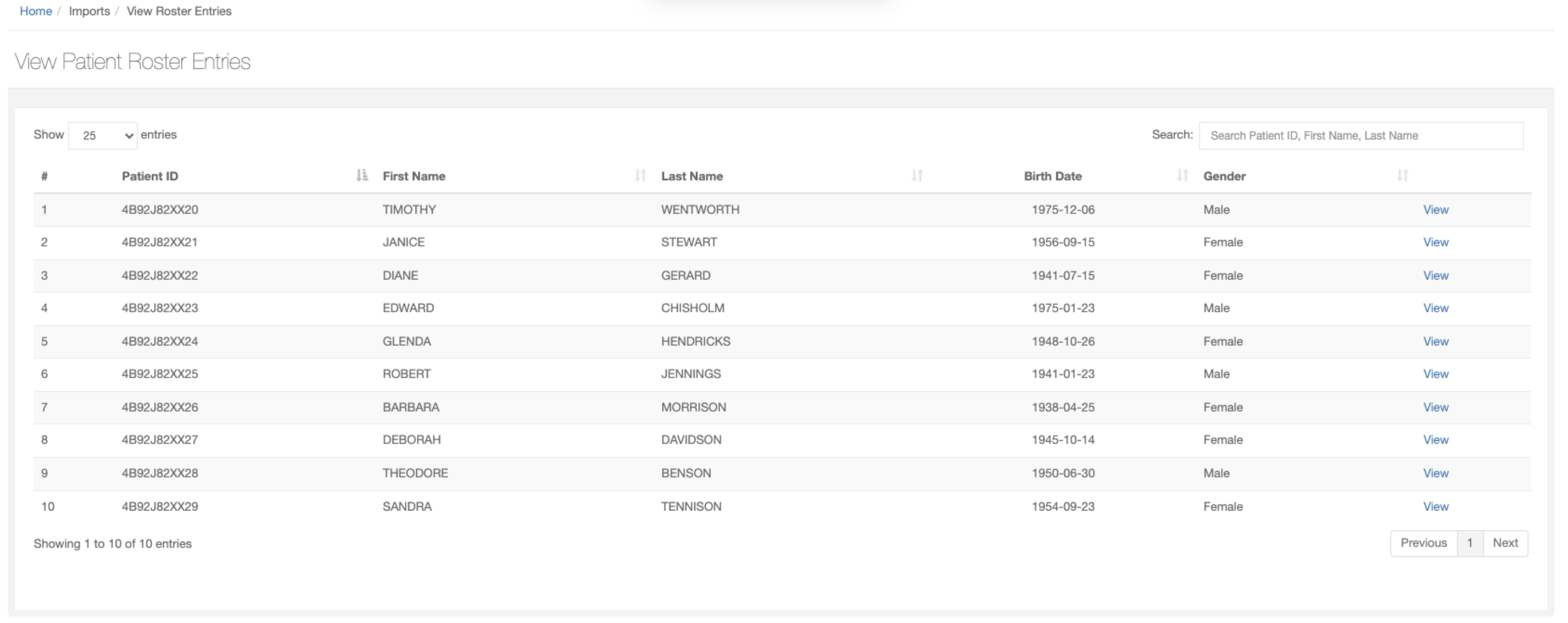
Displays a list of patients currently on the roster for the ACO. Displays patient identifier, first name, last name, birth date, and gender along with an option to View full details of each row. See example below.
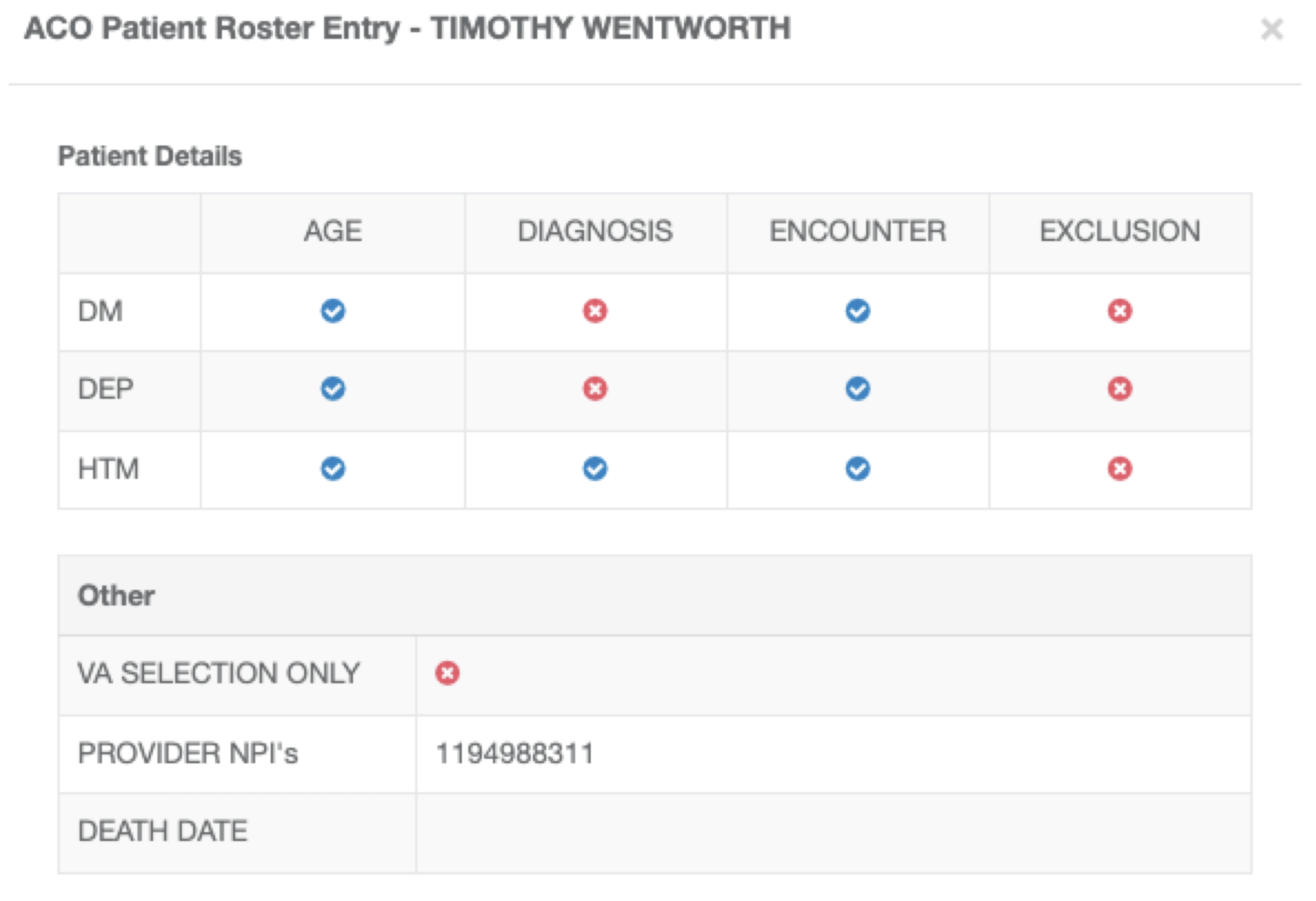
Full details include:
Indicators as to whether patient has met age, diagnosis, encounter, and exclusion criteria for each measure
List of NPIs that patient has seen in the performance period
Date of death and VA indicator
Summary Tab
Displays the following:
- Count of denominator-eligible instances and exclusions per the CMS roster for each of the ACO measures
- Count of denominator-eligible instances and exclusions in Patient360 for each of the ACO measures
- The percentage of the denominator-eligible instances and exclusions per the CMS roster that are represented in the Patient360 data received so far
See example below.

Gap Report
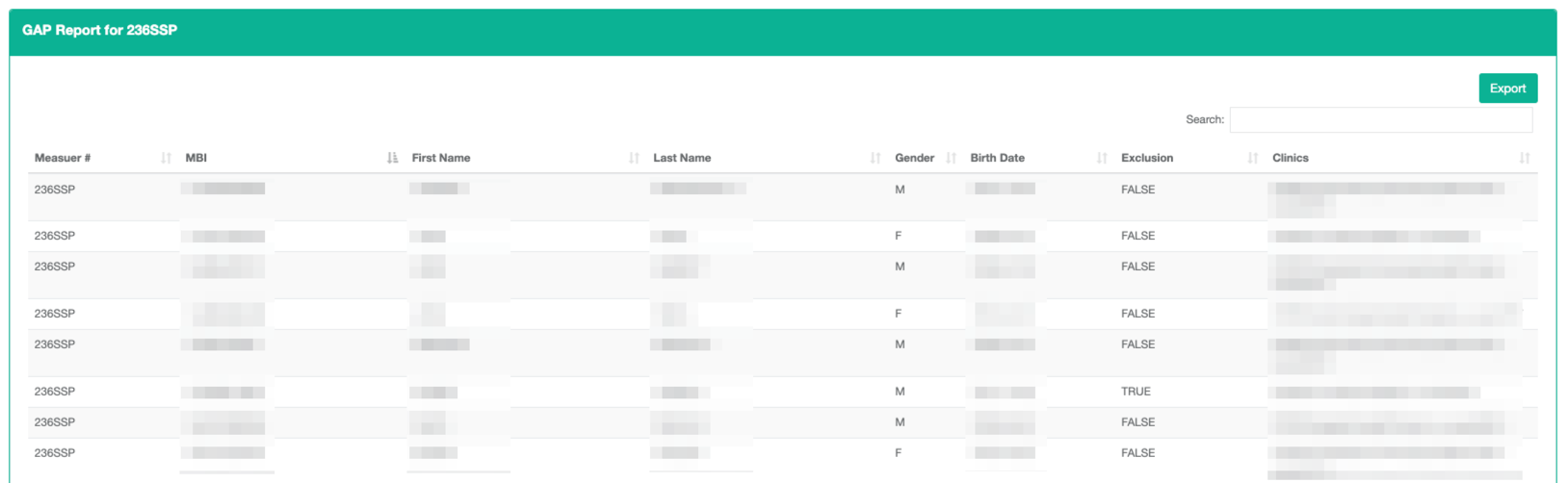
A View->Summary Tab includes a Gap Report link for each measure. The link displays a list of the patients that are denominator-eligible for the measure per the CMS roster, but for whom no corresponding data exists in Patient360. For each patient, the CMS demographics are displayed along with a list of the ACO member TINs who have seen the patient.
The report output can be viewed on the screen or exported for further analysis. See example below.
Import
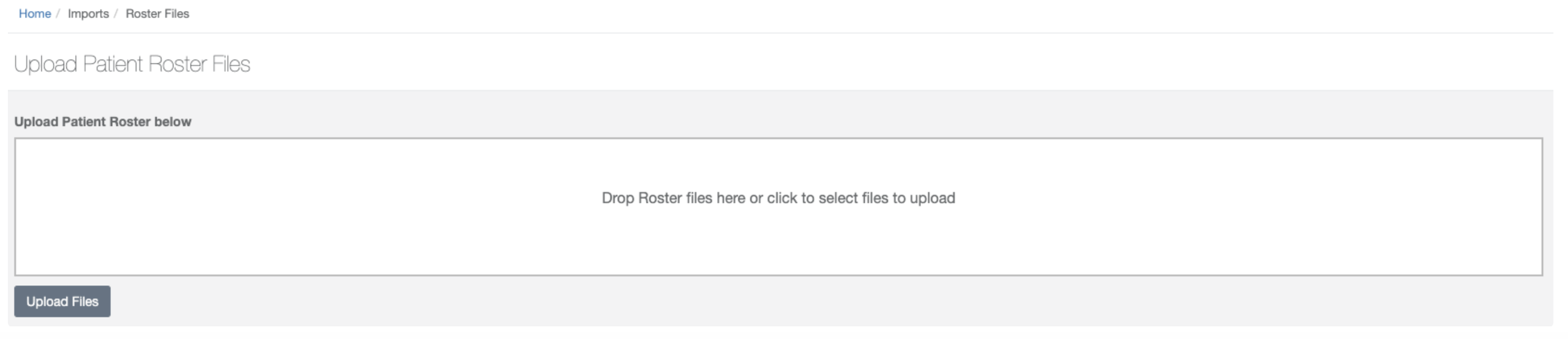
Files can be uploaded using one of the following options:
- Drag & Drop
- Click "Select Files to Upload" to browse and select files
See example below.
MCQM Analysis Report
The MCQM Analysis report allows ACO's to analyze the MCQM data for their ACO. The report is available on the ACO Admin menu - see below.

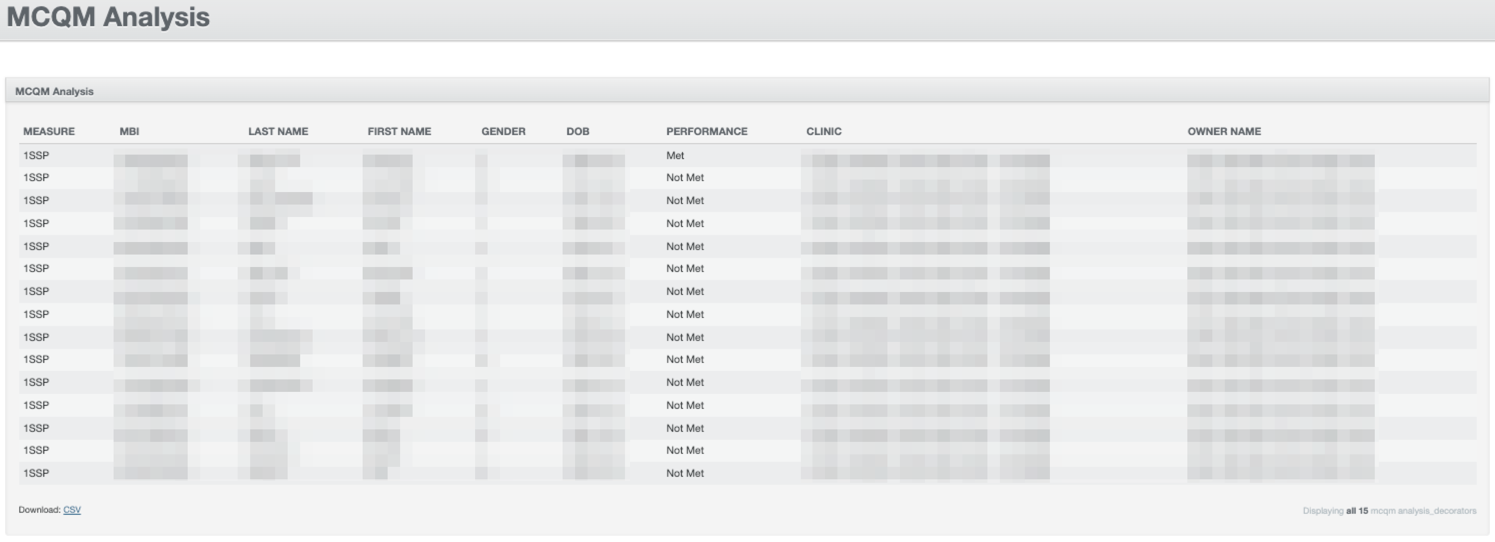
The report includes filters for MCQM measure, Performance, and Clinic. The report output includes the measure identifier, roster demographic information, performance evaluation, and clinic that contributed the MCQM data.
The report output can be viewed on the screen or exported for further analysis. See example below.