
November 2024 or later Epic release is required.
While Epic has strict rules about externally sharing documentation, customers have reported the following to be helpful:
Help with QRDAI file naming issues:
Contact epic using the following ticket number:
- QAN 7702562
Epic documentation for generating QRDAI files:
Hospital Reporting on Joint Commission and CMS Quality Measures (Green Book)
- Epic Userweb>Galaxy
Generate XML Files in QRDA I Format
Access and Decrypt Files in QRDA I Format
Epic also indicated this link provides documentation for QRDAI generation - Generate QRDA I Documents
Groupers
Epic clients have indicated that there is a "Grouper" feature which allows creating QRDAIs by measure by provider for specific providers.
Validation
The following validation advice was provided by Epic on 3/12/2026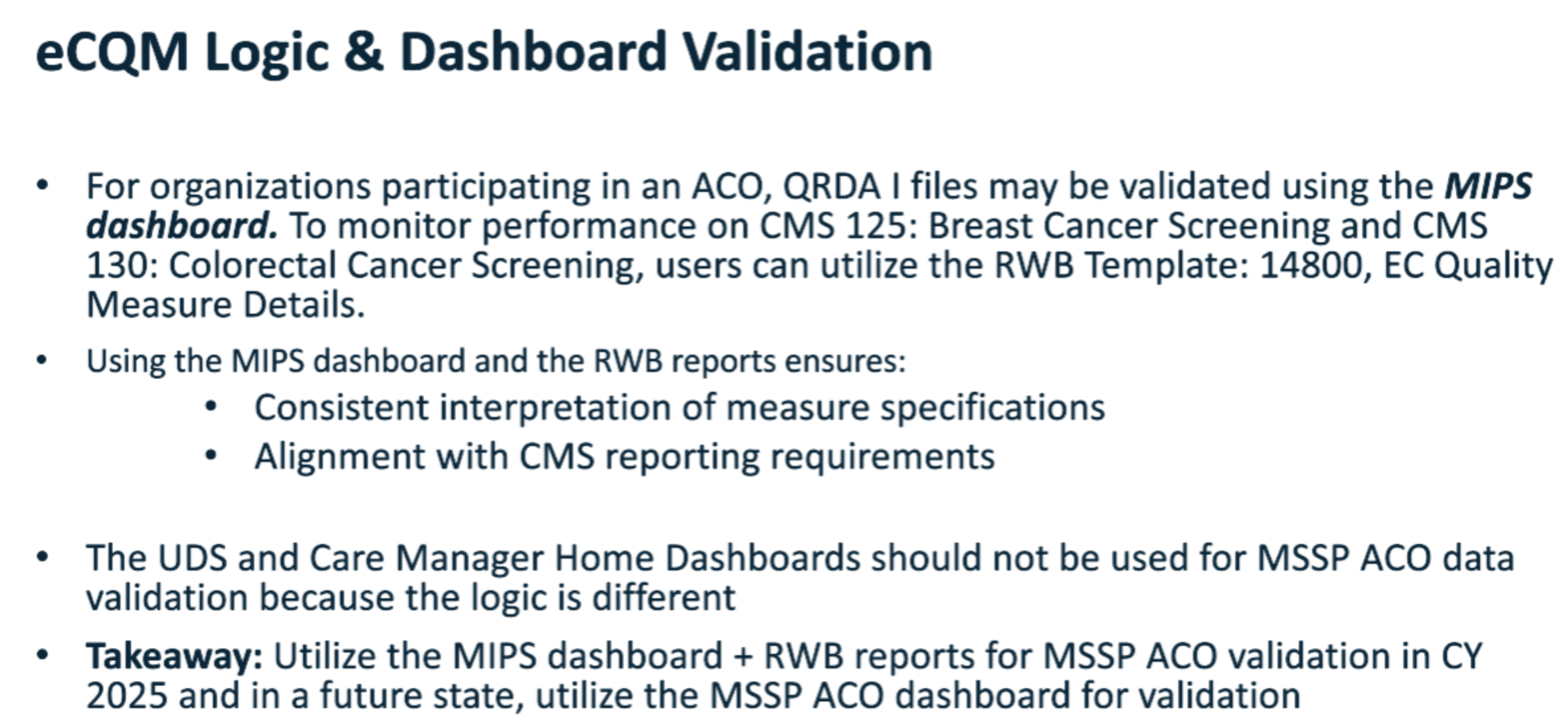
Avoiding Encryption
Epic clients reports success with avoiding the encryption of Zip files by following this Sherlock Link.
Missing QRDAI files
There is a known issue with Epic where large batches of QRDAIs do not contain all the desired files. This is happening during the encryption phase in Epic's Interconnect. We are told this is due to a timeout issue with Epic where no error is flagged for the user generating the QRDAIs but the resulting zip file is missing files. QRDAI files only ever contain one patient at a time so watch for file counts exceeding the expected denominator count for a given measure.
EPIC Q & A
Question for Epic: For a single QRDAI does Epic only include patient information for services performed under a specific TIN as found in QRDAI path (/ClinicalDocument/documentationOf/serviceEvent/performer/assignedEntity/representedOrganization/id[@root=“2.16.840.1.113883.4.2”]/@extension)
Answer from Epic:
Provider Attribution
For nearly all quality measures, the reporting logic first determines whether the patient had an encounter with an eligible clinician (EC) during the reporting period. In many cases, this check is as simple as identifying an encounter with a level of service (LOS) code relevant to the measure that was filed by an EC. In this situation, if the patient had at least one encounter where the EC filed an LOS code evaluated by the measure, the patient is included in the measure for that EC, which means the patient’s outcome is attributed to that EC.
TIN Attribution
After the system attributes an outcome to a provider, it attributes the outcome to a Tax ID Number (TIN). TINs are used for both billing and regulatory reporting, and how the system identifies TINs used for quality measure attribution depends largely on your billing configuration.
EPIC 2025 Issue
Email from Epic:
Eris Elliott
Wed, Aug 27, 2025 2:01 PM
Hello Healthy Planet Team, I wanted to make us aware of this issue that may impact us.
QRDA I Files Can Be Created for Provider/Patient Combinations Without a TIN
Refer to reportable issue #Q-8045593 when available.
Background
Organizations that participate in an MSSP ACO are required to submit quality measure data to CMS. One option for doing so is to submit on eCQMs (electronic Clinical Quality Measures – see Report on eCQMs for MSSP ACOs).
If you need to send patient-level quality measure data for aggregation outside of your Epic instance to another system that will submit eCQMs, you can generate QRDA I files from Epic. Each QRDA I file is expected to be associated with a Tax Identification Number (TIN), which represents an entity (such as a physician group or organization) that is participating in the ACO.
Issue
After the Feb 25 upgrade, the Quality Measure engine can generate a large volume of extraneous QRDA I files which are not associated with any TIN.
These extraneous files are not necessary or useful for reporting. While another Epic instance can still load the files (the problematic files are filtered out in the ingestion process), a non-Epic EHR or third party ingesting the data may encounter errors.
Workaround
There is no workaround for this issue.
Resolution
Epic is still evaluating a resolution plan. I will give further updates when the resolution plan is finalized.